How to Download and Install TeamViewer
Step 1: Open boit.pl
- In your web browser (e.g. Chrome, Firefox, Edge), go to: www.boit.pl.
- Once the page has loaded, find the “Remote Support” button.

Step 2: Download TeamViewer
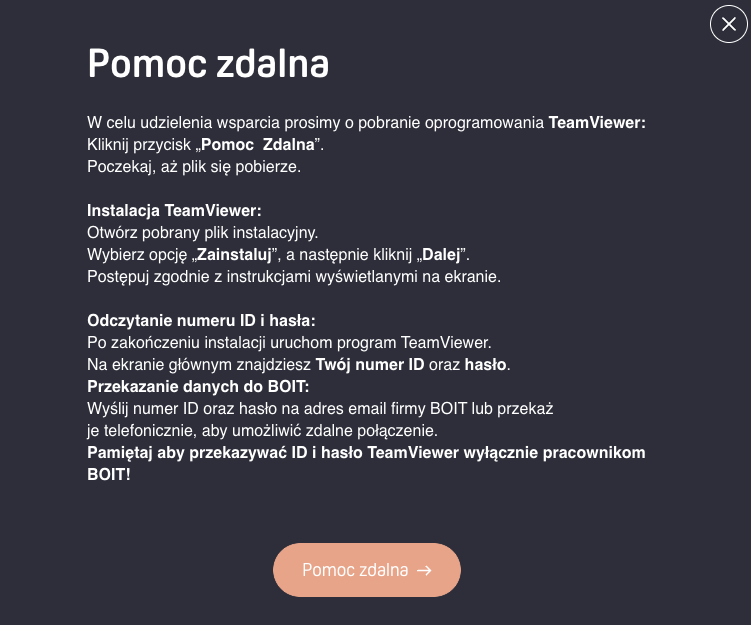
Step 3: Install or Launch TeamViewer
- Once the download finishes, open the installer file.
- Select “Install“, then click “Next“.
- Follow the on-screen instructions.
Step 4: Find Your ID and Password
- Once TeamViewer starts, the main window will appear.
- In the Your ID section you will find a unique identification number (ID).
- Below the ID is the password, which you’ll need to share for the connection.
Step 5: Share Your Details
- Contact the BOIT support team by email: pomoc@boit.pl
- Share your ID and password
- Make sure the support team confirms your details – you’ll receive a reply.
Done! The BOIT team can now connect remotely to your computer and provide support.
Remember to share your TeamViewer ID and password only with verified BOIT employees!

damian