Google Tasks as a New Workspace Intelligence Data Source – What BOIT Clients Need to Do
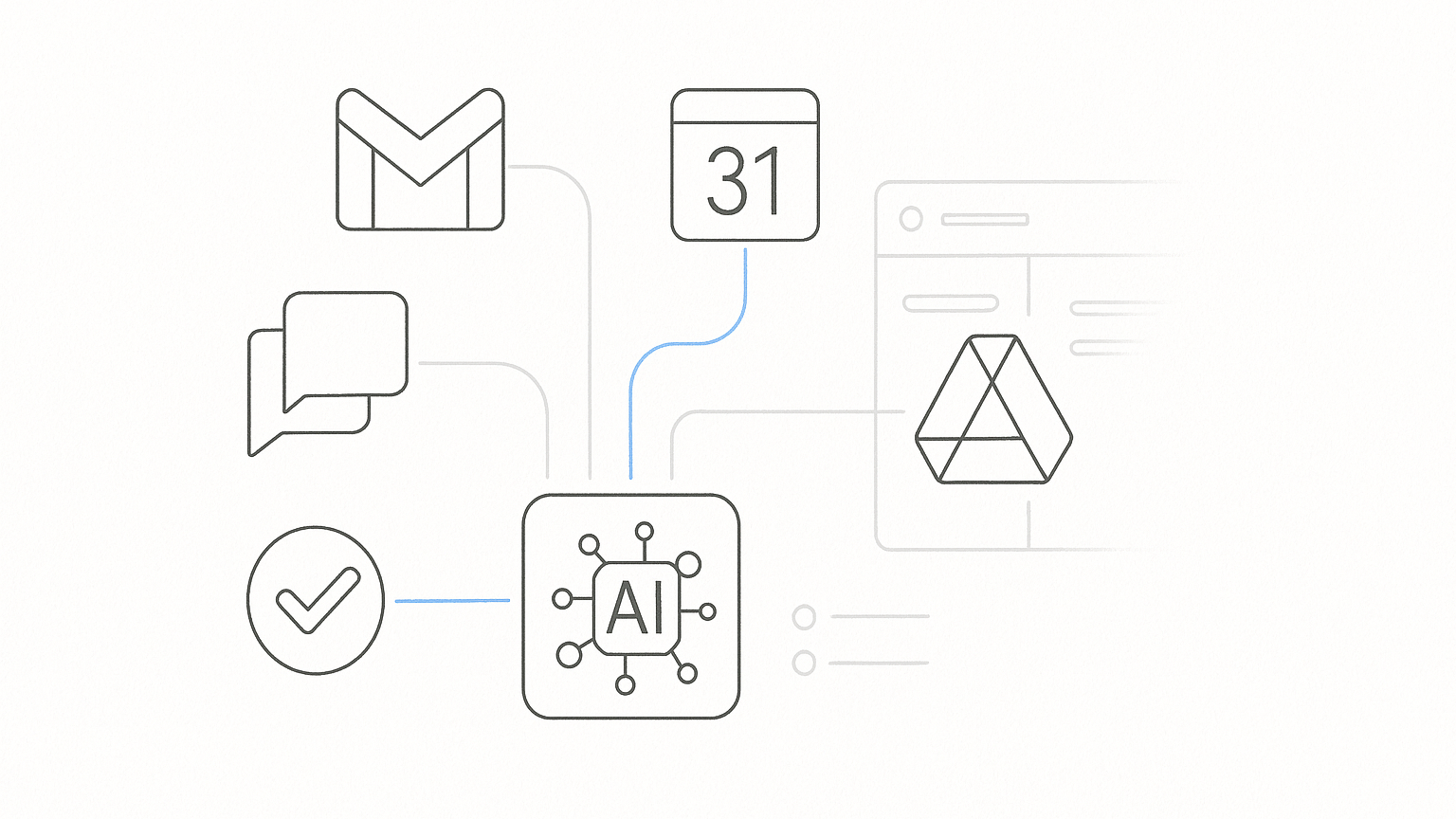
Starting November 14, 2026, Google Tasks will become the default data source for Workspace Intelligence in Google Workspace. This change applies to all organizations using Gemini AI within Workspace, including BOIT clients. Administrators should review their settings and inform users about the new data processing rules.
Google Tasks Workspace Intelligence – What Is Changing?
Workspace Intelligence, launched in April 2026, enables the generative AI Gemini to use real-time contextual data from Google Workspace apps. Until now, this included Gmail, Google Chat, Calendar, and Google Drive. From November 14, 2026, Google Tasks will be added to this list.
This means Gemini will be able to automatically use users’ task information when generating responses and executing commands – without requiring manual context sharing for each query. This streamlines workflows and can improve the efficiency of AI usage in business environments.
New Admin Settings – How to Manage the Change?
From October 14, 2026, a new setting will appear in the Google admin console allowing you to manage Workspace Intelligence’s access to Google Tasks data. By default, this option will be enabled for all users in the organization. If it is not disabled, from November 14, task data will be used by Gemini AI in Workspace apps.
Administrators have 30 days to change this setting if needed. If Google Tasks is disabled in your organization, no action is required. If Tasks is enabled, it is recommended to review whether to keep the default state or restrict AI access to this data.
Data Privacy and Security
This change does not affect existing data processing methods or Google’s privacy commitments. AI features only have access to content that the user can view. According to Google, customer data is not used to train AI models or for advertising purposes.
What Should BOIT Clients Do?
- Check the status of the Tasks service – verify which organizational units have Google Tasks enabled. If the service is disabled, the change does not affect those users.
- Assess the need to share Tasks data – decide whether your organization wants Workspace Intelligence to use users’ task information.
- Configure settings in the admin console – if you do not want AI to access Tasks data, disable the relevant data source before November 14, 2026. Instructions are available in the Workspace Intelligence Help Center.
- Inform users – notify employees that AI may use task information if the feature remains enabled.
Example Scenario – What to Watch Out For?
Imagine a company where part of the team uses Google Tasks for project management. Enabling this feature will allow Gemini AI to better support users with planning and summaries, but it also means that any confidential information entered into Tasks may be used by AI to generate responses. Therefore, it is important to review what types of data are stored in Tasks and whether sharing them with AI is acceptable from the company’s security policy perspective.
How Can BOIT Help Your Organization?
BOIT supports clients in analyzing Google Workspace settings, reviewing data exposure, and verifying security policies related to AI services. We assist with configuration reviews, preparing recommendations, and implementing changes in the admin console. If you have questions or need support, contact Bartłomiej Ożóg at +48 511 218 026 or via the IT security page.
For more information about Google Workspace updates, visit the BOIT blog.
Sources and further reading
- Google Workspace Team informational email, 22.10.2026
- Workspace Intelligence Help Center – Google
