Two Quick Checks to Secure Your Team’s Logins
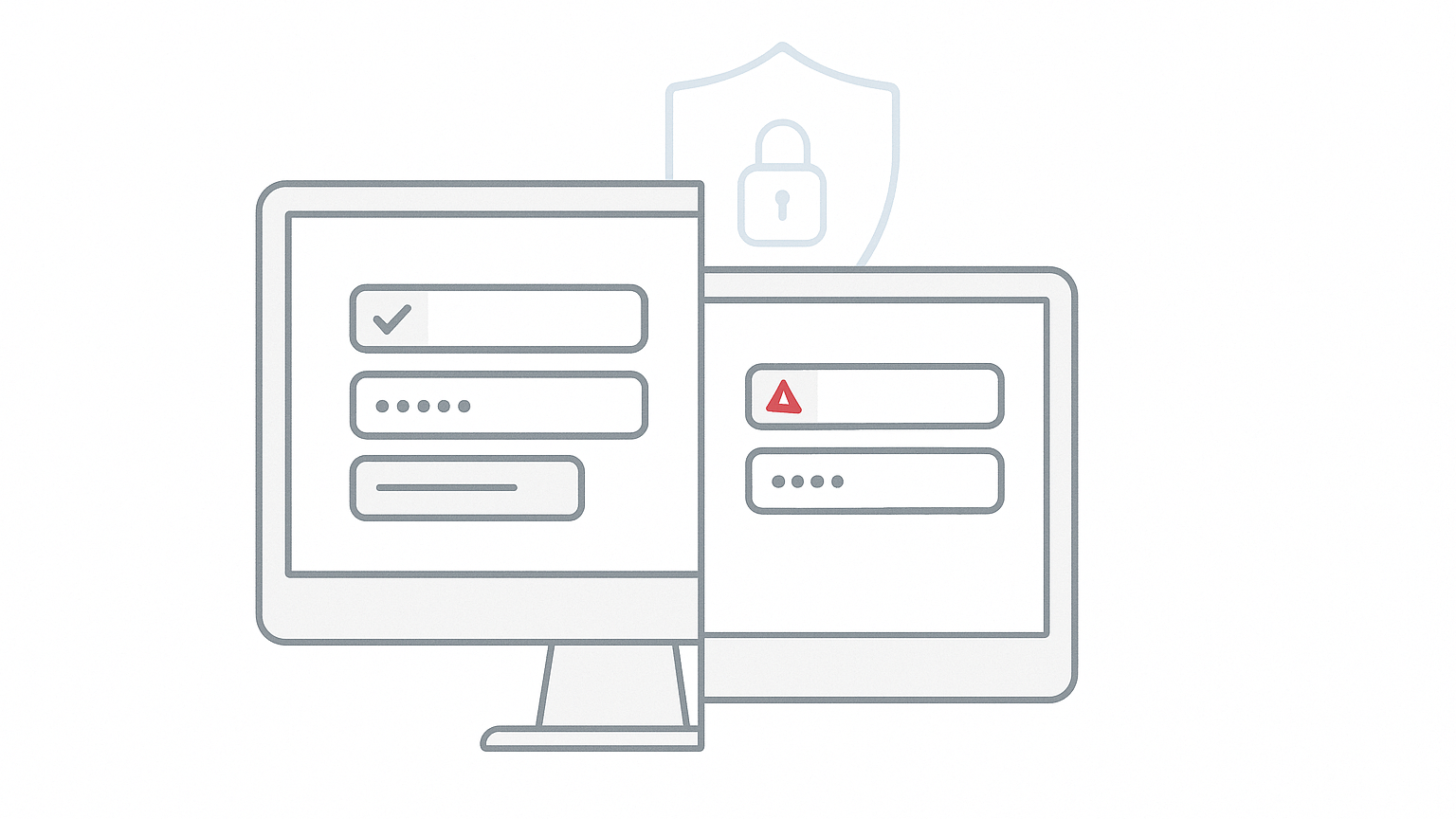
The rise in phishing attacks means that even well-trained teams can fall victim to cleverly crafted login pages. During periods of increased activity, such as holidays or seasonal hiring, the risk of unintentionally exposing company logins grows. However, two simple practices can help reduce this threat – regardless of which password manager your company uses.
Secure team logins – why should you check them regularly?
Phishing, or impersonating trusted services to steal login credentials, is becoming increasingly difficult to spot. Attackers create fake sites that closely mimic the look and feel of legitimate websites, including their layout and messages. Amid busy workdays, it is easy to overlook subtle differences in the site address or an unusual login form layout.
Responsibility for company account security lies not only with IT administrators but also with end users. Simple procedures can reduce the risk of mistakes – whether in large teams or smaller businesses.
Technical basics: how do autofill and address verification protect you?
Most modern password managers – including Bitwarden, 1Password, KeePass, LastPass, and Dashlane – allow you to assign a specific URL to each saved login. The autofill feature only works when the visited site exactly matches the saved domain. If a user lands on a fake site (for example, with a typo or a different domain), the manager will not suggest login credentials.
The absence of autofill suggestions is a warning sign – in such cases, you should stop the login process and verify that the site address is correct. This simple safeguard helps prevent entering company credentials on an attacker’s site.
Two quick checks for every team
- Verifying site addresses in your password manager: Team members managing accounts (such as for advertising platforms, SaaS tools, or vendor panels) should regularly check that the saved URL matches the official domain of the service. If in doubt, consult your administrator or the service provider directly.
- Using autofill instead of manual entry: The entire team should be encouraged to use the autofill feature for logins and passwords. Typing or copying credentials manually increases the risk of mistakes and entering them on a fake site.
What are the benefits of these practices?
Following these two rules brings tangible results:
- Protects against common phishing attacks that rely on user inattention.
- Makes it easier to detect attempts to impersonate known services – the lack of autofill is a clear warning sign.
- Reduces the risk of accidentally exposing logins to seasonal workers or people outside the organization.
These practices are not tied to any single tool. Checking addresses and using autofill can be implemented in any environment that uses password managers or SSO (Single Sign-On) systems.
Limitations and best practices for implementation
Autofill and address verification increase security, but do not eliminate all threats. Advanced attacks may attempt to bypass these safeguards, for example by compromising a user’s device or impersonating official applications. It is a good idea to supplement these practices with:
- Training on recognizing phishing attempts and reporting suspicious messages.
- Enabling two-factor authentication (2FA) wherever possible.
- Regularly reviewing permissions and access to critical systems.
If you make significant changes to your security policy, ensure you can quickly roll back changes or restore previous settings in case of operational issues.
How can BOIT help secure your team’s logins?
BOIT offers support in reviewing password manager configurations, verifying exposure of team accounts, and implementing best practices for phishing protection. We also assist with team training and configuring autofill. Contact us to discuss how to best secure your team’s logins.
Find more practical tips in our IT security section and on the BOIT blog.
Sources and further reading
- Bitwarden announcement: Two quick checks for your team’s logins, Bitwarden Inc.
